
Your desktop coding agent. Any model. Zero leash.
A free, open-source AI coding agent for Windows, macOS, and Linux. Bring your own OpenRouter key, point it at a real codebase, and keep every plan, diff, and command under your approval.
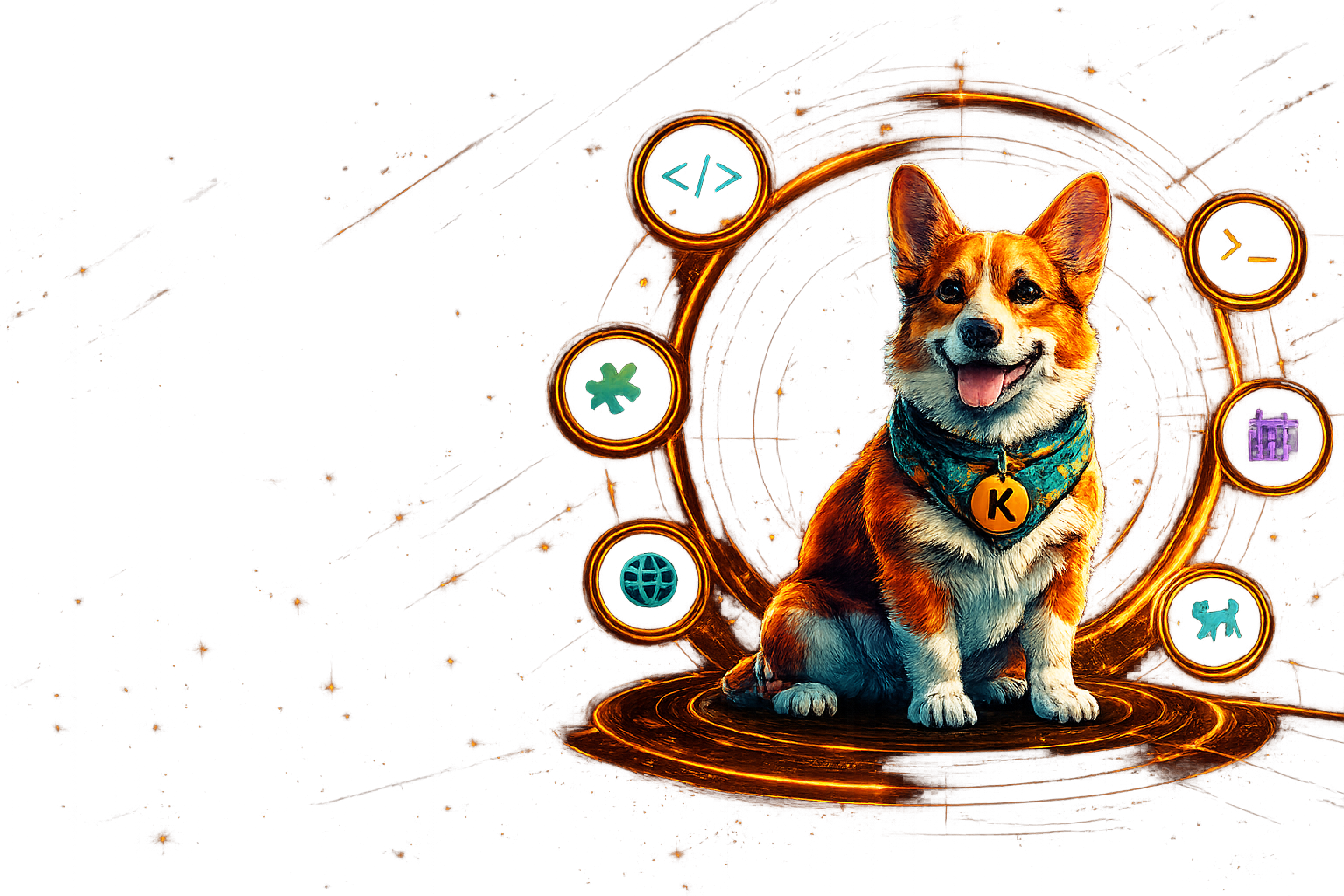
One key. Hundreds of models, via OpenRouter
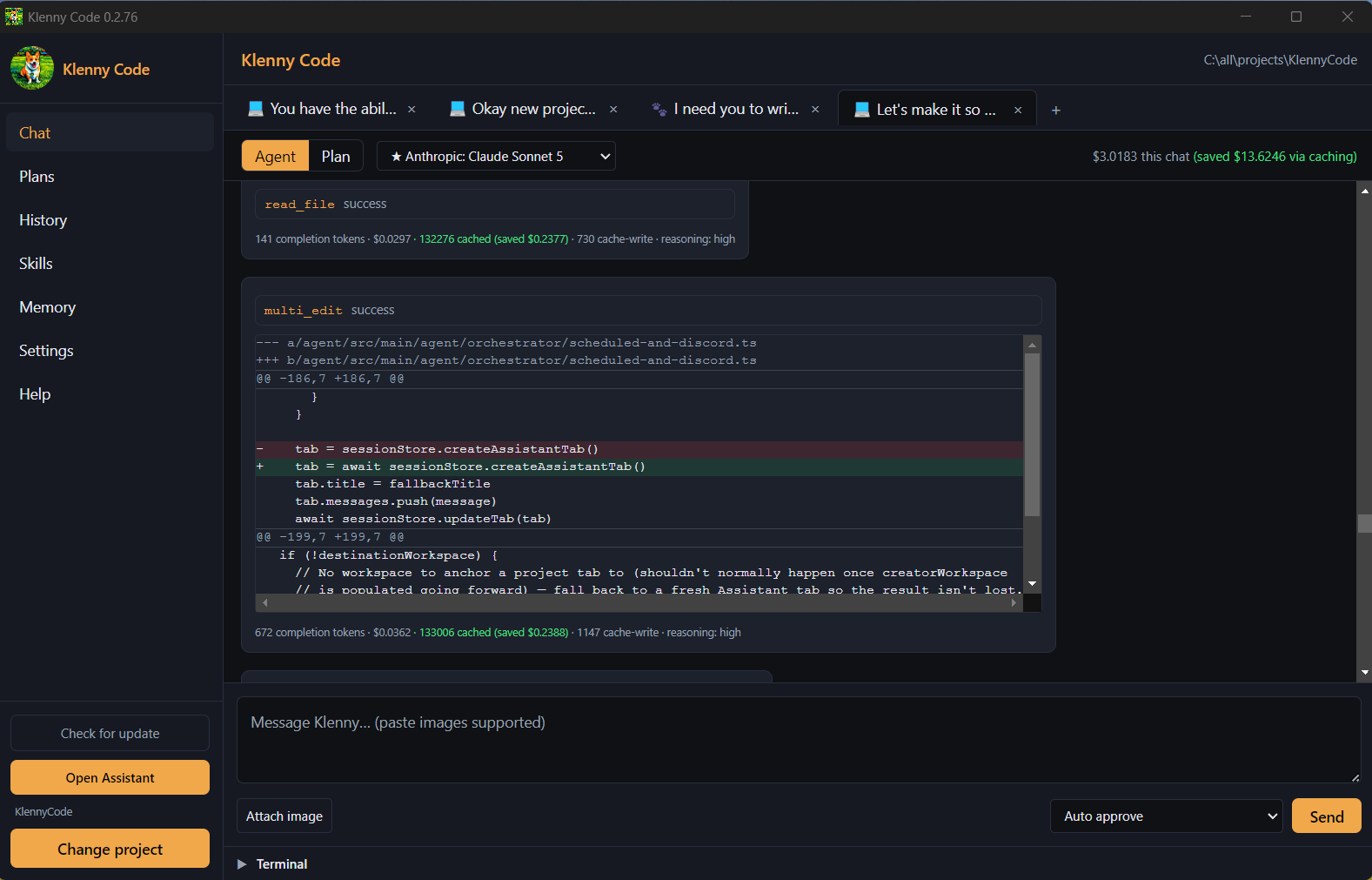
The whole loop, in one window
Chat, plans, diffs, a real terminal, and live progress checklists — no browser tab, no context switching, nothing to copy and paste.
- 400+
- models reachable through one OpenRouter key
- 3
- desktop platforms: Windows, macOS, Linux
- $0
- subscription — you pay OpenRouter directly
- 100%
- open source, MIT licensed
How it works
Three steps, then it's just work getting done
Install and paste your key
Download the app, drop in an OpenRouter API key, and pick a default model. No account with us, no subscription, no telemetry to opt out of.
Open a project and talk
Klenny reads and edits real files, runs commands in a real shell, searches the codebase, and writes down what it learns so the next session starts informed.
Approve, then let it run
Ask for a plan first, review each change as a diff, and choose how much to approve automatically. Long jobs pause at checkpoints instead of running away.
Features
Everything a coding agent should be. And then some.
Memory
It remembers how your project works
Project and global memory files plus auto-generated notes mean your conventions, decisions, and dead ends survive between sessions. It can also read across your other projects read-only, so “port that feature from my other repo” works without leaving the window.

Any model, one key
Paste an OpenRouter key and switch freely between Claude, GPT, Gemini, and hundreds more — per tab, mid-conversation, with a cheaper utility model handling background work.
Plan mode and diff approvals
Ask for a plan before any code moves, then approve each edit as a real diff. Per-tab approval modes let you go hands-off where you trust it and stay strict where you don’t.
Skills and subagents
Reusable Markdown skills teach it your workflows, and subagents run open-ended research in their own context window so your main thread stays fast and focused.
Semantic codebase search
An optional local vector index finds code by meaning rather than exact text — useful in big repos where you don’t know the name of the thing you’re looking for.
Scheduling and assistant
Work that happens while you’re away
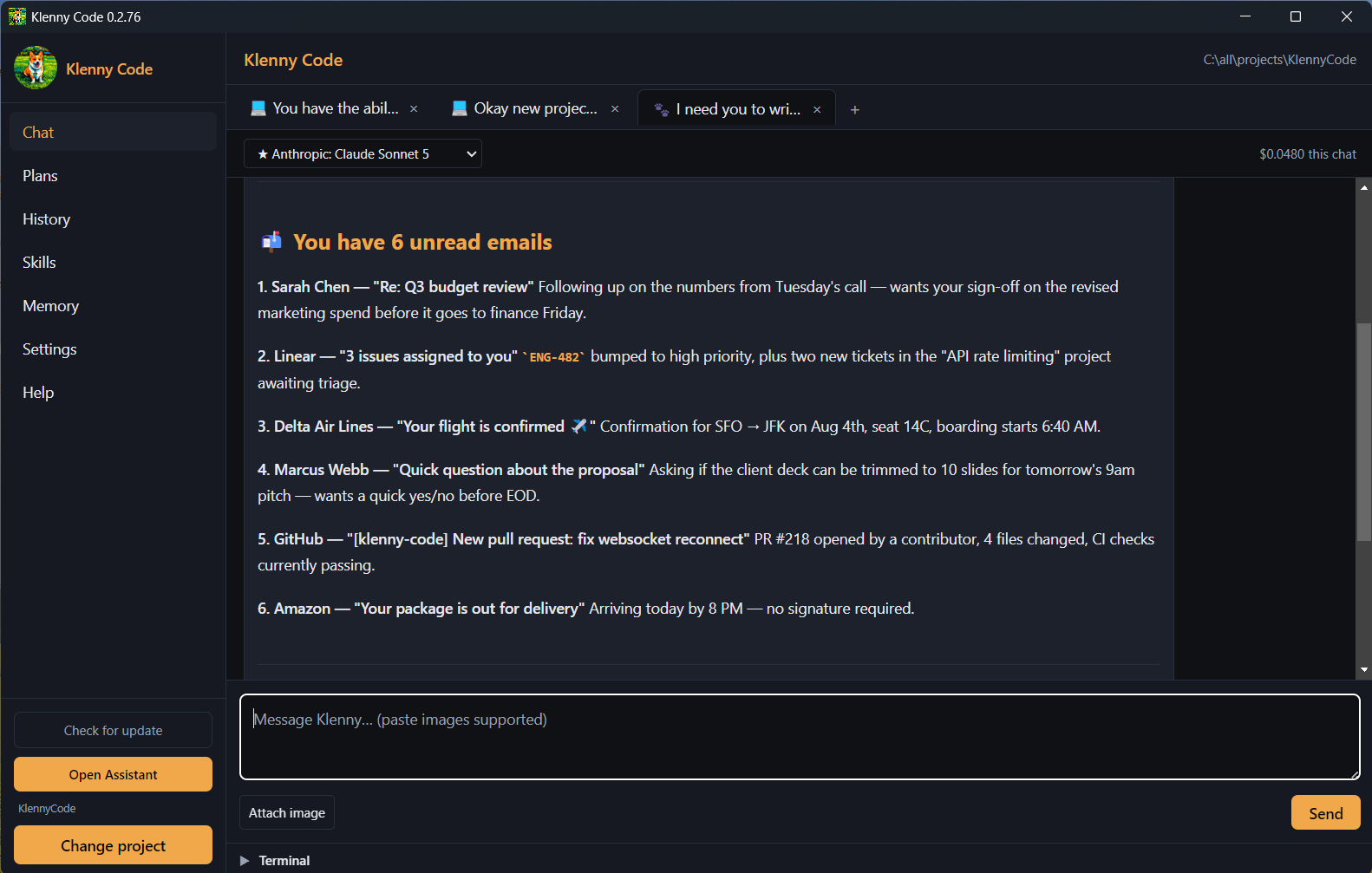
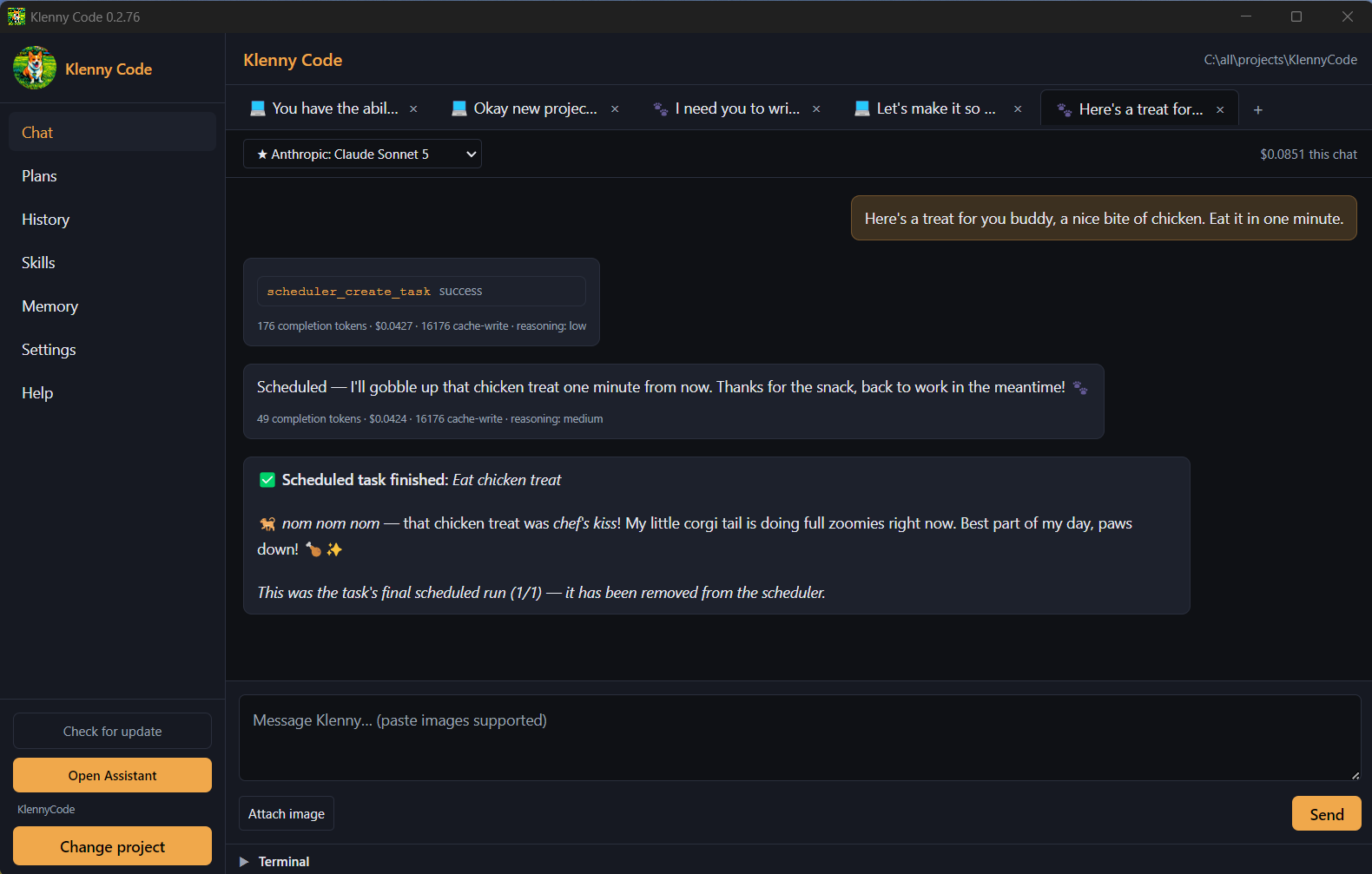
Give it a cron schedule and it runs unattended in the background — a morning repo digest, a nightly check, a one-off reminder. Connect Gmail and Discord and the same agent handles inbox triage and chat mentions from dedicated Assistant tabs.

Browser automation built in
A real local browser it can drive itself: snapshot a page, click, type, fill forms, and verify the result — with mutating actions gated behind your approval settings.
Real terminal, real cost control
A genuine interactive shell lives in the app, next to a daily spending cap and a cost report that breaks spend down by model, so nothing runs away from you.
Assistant windows stay in sync
Every Assistant tab writes a short note about what it did and reads a digest of the others, so a second window picks up where the first left off instead of starting cold.
Personality you can rewrite
It ships as a playful corgi, and that persona is just a plain-text SOUL.md you can edit, tone down, or replace. The engineering rigor underneath is not editable.
Vision and documents
Paste screenshots, mockups, and diagrams straight into chat, or hand it a Word document to read and edit — useful well beyond code.
Nothing dumped in your repo
Plans, memory notes, and the search index live in the app’s own data directory as plain text — portable, inspectable, and with no .gitignore gymnastics.
Pawprints
Ask for a widget. Get a real desktop app.
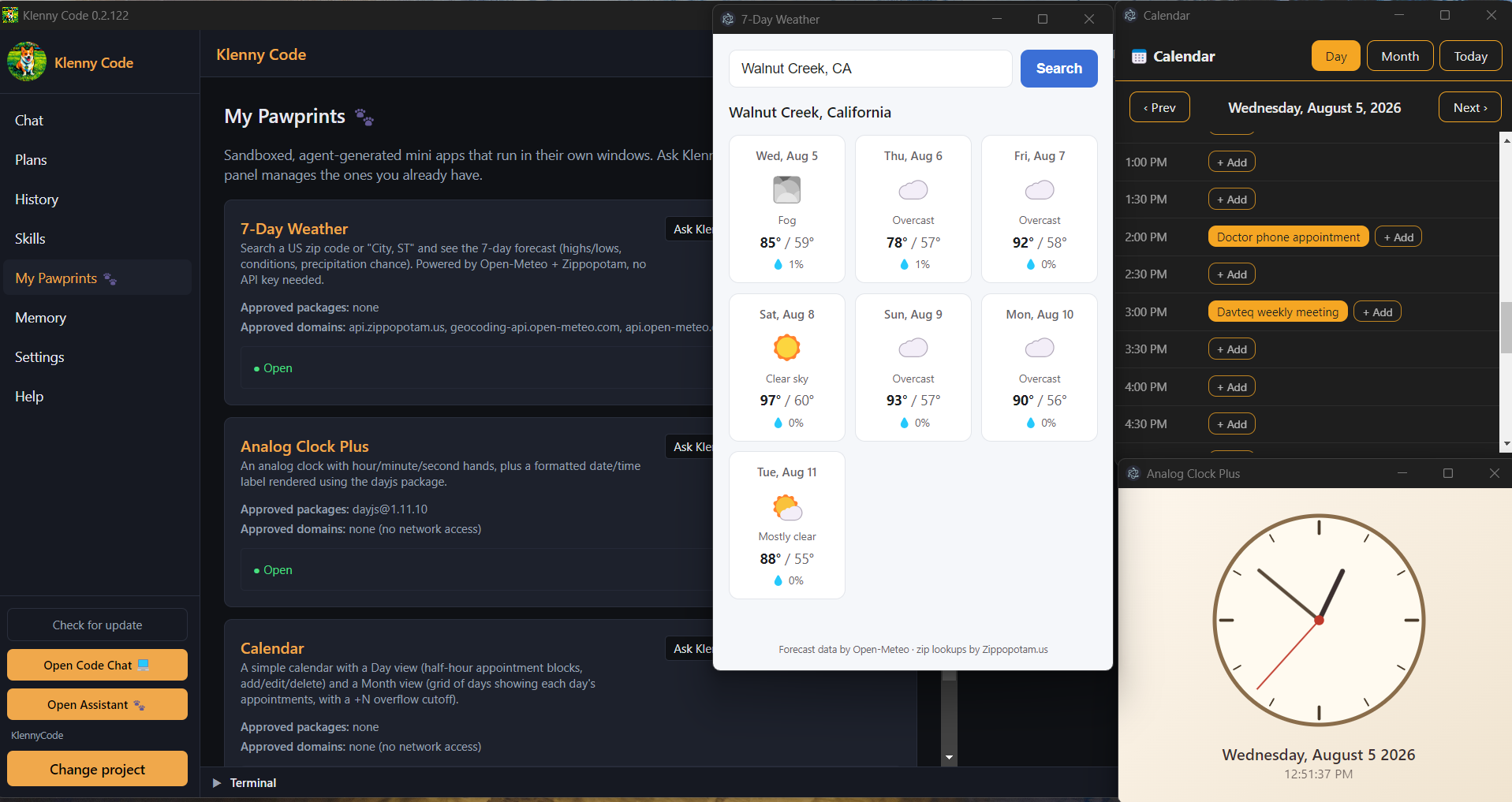
Pawprints are small sandboxed apps Klenny writes for you — a weather panel, a calendar, an analog clock, a sticky-note board — each running in its own window, outside the chat.
- Nothing runs until you approve it — one review shows the full source, every npm package, and every network domain it asked for.
- Sandboxed by design: no API key, no shell, no access to the rest of your disk.
- Run as many instances as you like and manage them all from the My Pawprints panel.
Ready to fetch some code?
Free to download, free to keep. Updates arrive in-app on Windows and Linux, and you only ever pay OpenRouter for the models you actually use.
MIT licensed and fully open source. Read the code, file an issue, or send a pull request.